
How to Choose the Right CCTV Camera System for Your Property
Selecting the right CCTV system feels overwhelming when faced with countless camera types, technical specifications, and feature options. The security market floods consumers with terminology like IP cameras, DVRs, NVRs, resolution specifications, and various lens types without explaining what actually matters for your specific situation. This comprehensive guide cuts through the confusion, helping you make informed decisions based on your unique security needs rather than marketing hype.
Understanding Your Actual Security Needs
Before exploring technical specifications or browsing camera catalogs, honestly assess what you’re trying to protect and why. Different security concerns require different solutions. A retail store owner worried about shoplifting needs cameras positioned at checkout counters with clear facial recognition capabilities. A homeowner concerned about package theft requires doorbell cameras with motion alerts. A warehouse manager focusing on after-hours break-ins needs cameras with exceptional night vision covering all entry points.
Start by walking through your property identifying vulnerable areas. Where are your entry and exit points? Which areas contain valuable items or equipment? Are there blind spots someone could use to avoid detection? What time of day do you need coverage—business hours only or 24/7? Do you need facial recognition capabilities or is general monitoring sufficient? How long do you need to retain footage—a few days or several months?
Consider your property’s specific challenges. Indoor environments with consistent lighting differ vastly from outdoor locations dealing with direct sunlight, shadows, rain, and temperature extremes. Large open areas require different camera types than narrow hallways. Understanding these factors before shopping prevents expensive mistakes like buying cameras unsuited for your actual conditions.
Indoor vs Outdoor Camera Selection
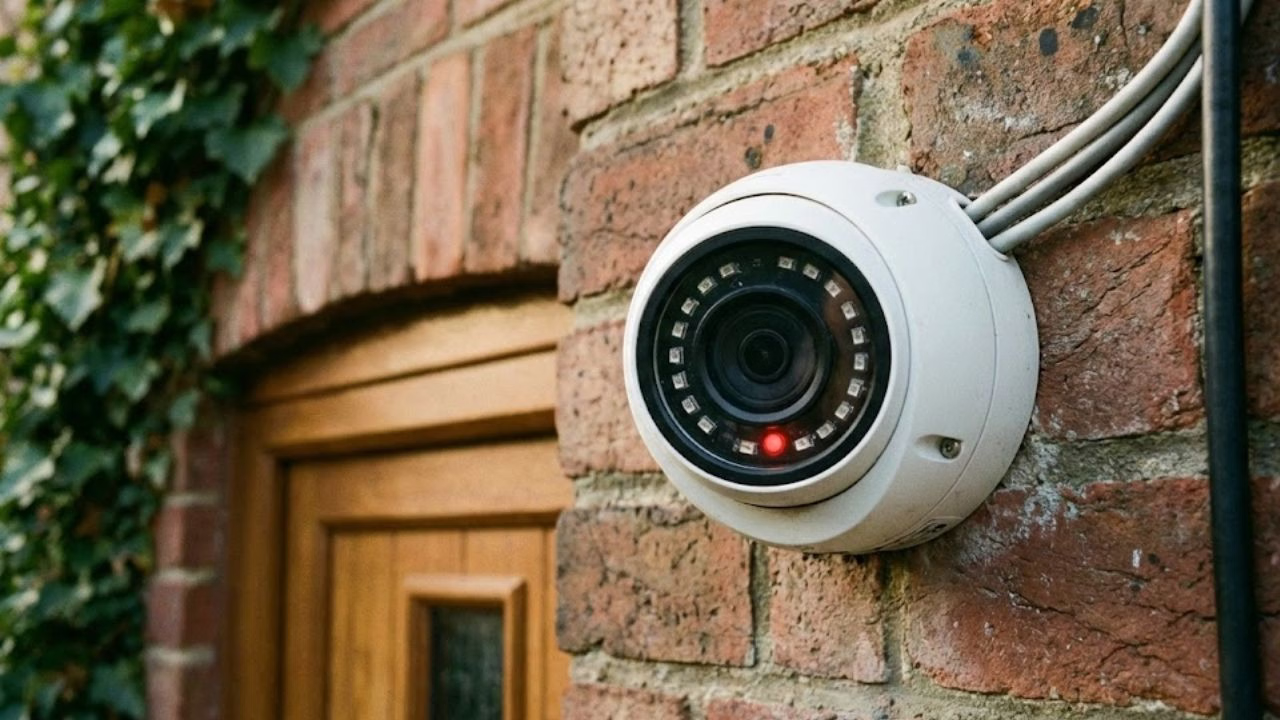
The distinction between indoor and outdoor cameras extends far beyond weather resistance. Indoor cameras prioritize discreet appearance and wide-angle coverage in controlled environments. They typically feature smaller housings, less conspicuous designs, and specifications optimized for consistent lighting conditions. Dome cameras excel indoors because their low-profile design blends into ceilings while providing adjustable viewing angles covering large rooms.
Outdoor cameras must withstand environmental punishment while delivering reliable performance across varying conditions. They require weatherproof housings rated IP66 or IP67, protecting sensitive electronics from rain, snow, dust, and humidity. Temperature tolerance matters significantly—cameras installed in extreme climates need components functioning reliably from -30°C to 60°C. Physical durability increases importance outdoors where cameras might face vandalism attempts or accidental impacts.
Lighting challenges differ dramatically between environments. Indoor spaces maintain relatively stable illumination, while outdoor cameras handle bright midday sun, evening shadows, and complete darkness. Quality outdoor cameras include wide dynamic range (WDR) technology balancing bright and dark areas within the same frame—essential when monitoring doorways where bright outdoor light contrasts with dim interiors. Powerful infrared illumination extends night vision 30-80 meters depending on camera quality.
Resolution: How Much Do You Really Need?
Camera resolution determines image clarity and detail levels, measured in megapixels (MP). Higher resolution provides greater detail, enabling facial identification or license plate reading from farther distances. However, more resolution means larger file sizes, greater storage requirements, and potentially higher costs without corresponding benefits if your monitoring needs don’t demand that detail level.
Basic monitoring where you simply want to know someone was present might only require 2MP (1080p) resolution—the same as standard HD television. This resolution clearly shows what happened without creating unnecessarily large video files. Four-megapixel cameras provide noticeably better detail, sufficient for most commercial applications where you need to identify individuals clearly or read text from reasonable distances.
Eight-megapixel (4K) cameras deliver exceptional detail useful for critical applications requiring absolute clarity—casinos monitoring gaming tables, jewelry stores tracking inventory, or locations requiring license plate identification from significant distances. However, 4K cameras generate four times more data than 2MP models, dramatically increasing storage requirements and network bandwidth consumption. You’ll need more expensive recording equipment and larger hard drives, potentially quadrupling storage costs.
Consider future-proofing against balancing immediate needs. Technology advances quickly, and cameras installed today might remain operational for five to seven years. Slightly higher resolution might prove valuable long-term even if not immediately essential. However, avoid paying premium prices for 4K systems when 2MP would serve your actual purposes adequately.
Analog vs IP Cameras: Understanding the Difference
This decision fundamentally shapes your entire surveillance infrastructure. Analog cameras connect directly to Digital Video Recorders (DVRs) using coaxial cables, representing traditional CCTV technology. IP (Internet Protocol) cameras connect to Network Video Recorders (NVRs) or directly to computer networks using Ethernet cables, functioning essentially as specialized network devices with unique IP addresses.
Analog systems offer simplicity and lower entry costs. They’re straightforward to install, operate reliably, and typically cost less than comparable IP systems. If you have existing coaxial cabling from an old system, analog cameras can leverage that infrastructure. Modern HD analog technologies like TVI, CVI, and AHD deliver impressive 1080p and even 4K resolution over traditional coaxial cables, challenging assumptions that analog means inferior quality.
IP cameras provide advanced capabilities justifying their higher costs for many applications. They deliver superior image quality, especially at higher resolutions. Network connectivity enables powerful features like remote viewing from smartphones, integration with business networks, video analytics, and scalability—adding cameras to IP systems requires only network drops rather than dedicated cabling back to recording devices. Power over Ethernet (PoE) supplies both data and electrical power through single cables, simplifying installations.
Your choice depends on specific circumstances. Small residential installations with modest budgets often find analog systems perfectly adequate. Businesses planning multi-location deployments with centralized monitoring benefit tremendously from IP systems’ networking capabilities. Properties with existing coaxial infrastructure might maximize value using modern HD analog cameras. New constructions installing from scratch might prefer IP systems despite higher initial costs for long-term flexibility.
Essential Features Worth Paying For
Certain features dramatically impact security effectiveness while others offer marginal benefits at premium costs. Night vision ranks among the most critical capabilities—crimes don’t pause after sunset. Infrared LED arrays illuminate scenes invisibly to humans while cameras capture clear footage. Verify night vision range specifications match your monitoring distances. A camera rated for 30-meter night vision won’t effectively monitor a parking lot requiring 60-meter coverage.
Motion detection seems basic but transforms surveillance from passive recording to active alerting. Quality systems distinguish between actual threats and false triggers like swaying branches or passing headlights. Look for cameras offering customizable detection zones—you want alerts when someone crosses your property line, not every time a car drives past on the public street. Person detection using AI algorithms filters alerts further, notifying you only when humans are detected rather than every animal or shadow.
Weather resistance matters critically for outdoor cameras. IP66 ratings protect against powerful water jets and dust, while IP67 adds waterproof capabilities surviving temporary immersion. Ignore these ratings and your cameras might fail during the first heavy rainstorm. Vandal-resistant housings with IK10 impact ratings protect against deliberate physical attacks—essential for cameras mounted within reach in public areas.
Remote viewing capabilities add tremendous convenience, letting you check footage from anywhere using smartphone apps. Verify systems include this functionality rather than assuming all modern cameras offer it. Two-way audio enables speaking through cameras—useful for greeting delivery drivers, warning off intruders, or communicating with employees. Cloud storage backup protects footage even if recording equipment is stolen or damaged during incidents.
Storage Considerations and Recording Options
Storage requirements depend on multiple factors: camera quantity, resolution settings, frame rates, motion-activated versus continuous recording, and retention periods. A four-camera system recording continuously at 1080p resolution typically consumes approximately 1TB weekly. Doubling resolution to 4MP quadruples storage consumption. Motion-activated recording dramatically reduces requirements by capturing only when activity occurs, potentially extending storage capacity 5-10 times.
Hard drive capacity in recording devices ranges from 1TB to 16TB or more. Calculate your specific needs using online storage calculators provided by camera manufacturers—input camera quantities, resolutions, and desired retention periods to determine required capacity. Business compliance regulations often mandate specific retention periods, while homeowners might only need several days of footage. Remember that hard drives eventually fail; plan for periodic replacements every 3-5 years depending on recording intensity.
Cloud storage provides valuable backup protecting footage from local device damage or theft. Services range from limited free tiers to unlimited premium plans. They’re particularly valuable for businesses with compliance requirements or properties at high theft risk. However, uploading high-resolution footage from many cameras requires substantial internet bandwidth—verify your connection handles continuous uploads without degrading network performance for other activities.
Professional Installation vs DIY Setup
This decision involves weighing costs against expertise and time. DIY installation saves money but requires technical competence, physical ability to mount cameras at heights, comfort pulling cables through walls or attics, and patience troubleshooting inevitable complications. Pre-made kits simplify processes with included cameras, recording devices, and cables, but still demand mechanical and technical skills.
Professional installation costs more upfront but delivers expertise, warranty coverage, and properly functioning systems from day one. Experienced installers position cameras optimally based on property layout, conceal wiring professionally, configure systems correctly, and train you on operation. They handle complications like discovering structural obstacles, dealing with insufficient existing electrical access, or resolving network compatibility issues. Warranties typically cover workmanship problems, providing recourse if installations develop issues.
Consider hybrid approaches—perhaps hiring professionals for difficult outdoor installations requiring ladder work or extensive cable runs while handling simple indoor cameras yourself. Some providers offer consultation services where they design systems and provide installation guidance, letting you perform actual work while benefiting from expert planning.
Making Your Final Decision
After considering these factors, prioritize your top three security concerns and budget constraints. If preventing break-ins tops your list, invest in quality outdoor cameras with excellent night vision and prominent placement as visible deterrents. If monitoring employees or customers matters most, prioritize indoor camera coverage with sufficient resolution for clear identification.
Don’t sacrifice essential capabilities chasing unnecessary features. A reliable 2MP system operating flawlessly provides better security than a problematic 4K system constantly malfunctioning. Start with core monitoring coverage and expand gradually rather than attempting comprehensive coverage immediately on limited budgets. Well-positioned cameras covering critical areas outperform poor coverage everywhere.
Request demonstrations before committing to expensive systems. Reputable providers should show actual footage from their cameras during day and night conditions, demonstrating remote access, and explaining operation thoroughly. Compare quotes from multiple providers, but evaluate total value beyond just pricing—consider warranty coverage, support availability, installer reputation, and equipment quality alongside costs.
Your security system protects what matters most. Invest time researching thoroughly and consult multiple experts before deciding. The right system provides years of reliable service and genuine peace of mind, while poor choices create frustration and false security feelings worse than no system at all.


